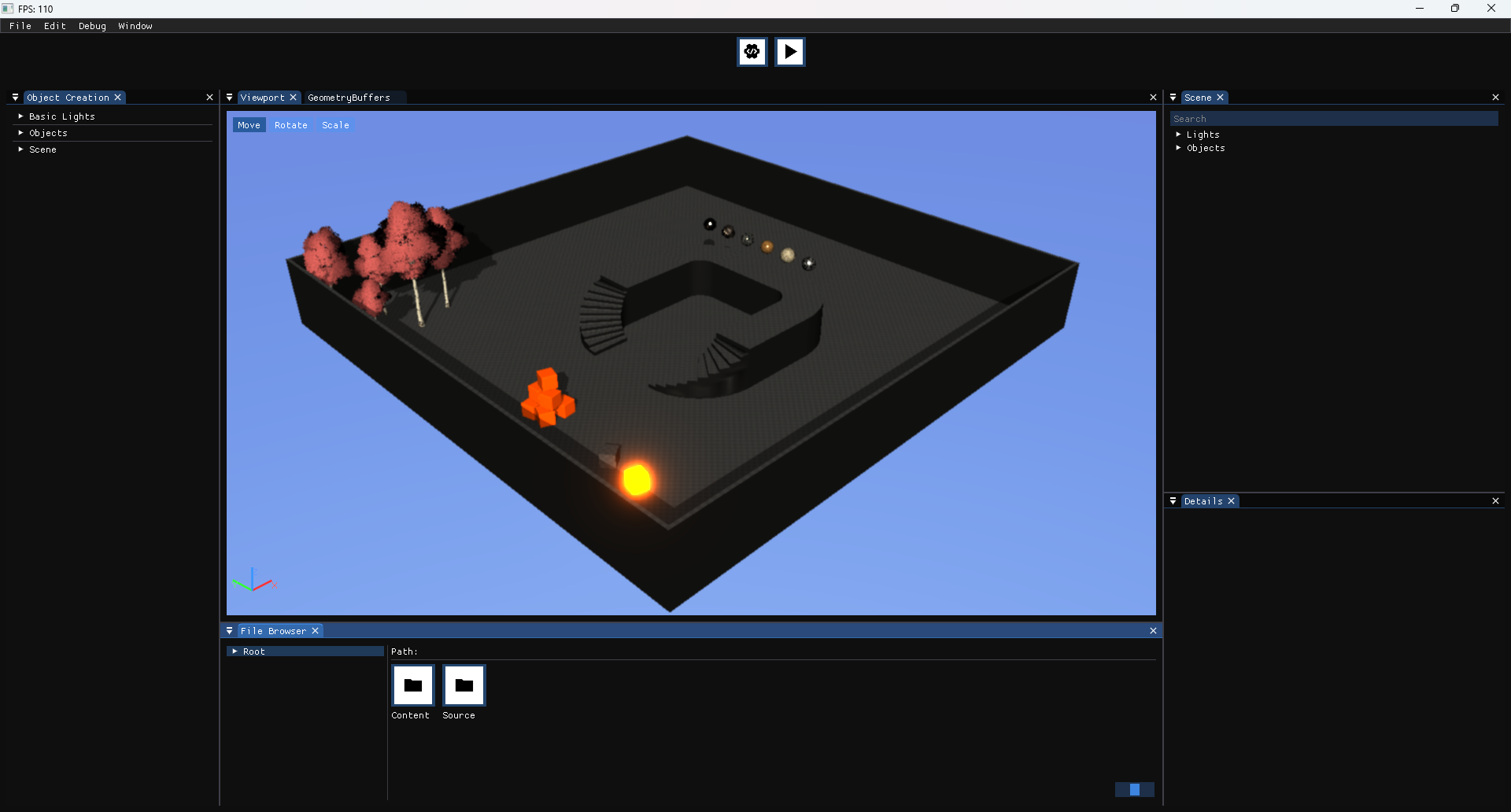
Earlier, I had an primitive editor-like application for creating and saving scenes for game developed with my engine, but it wasn’t capable enough to get the art sides done for the games.
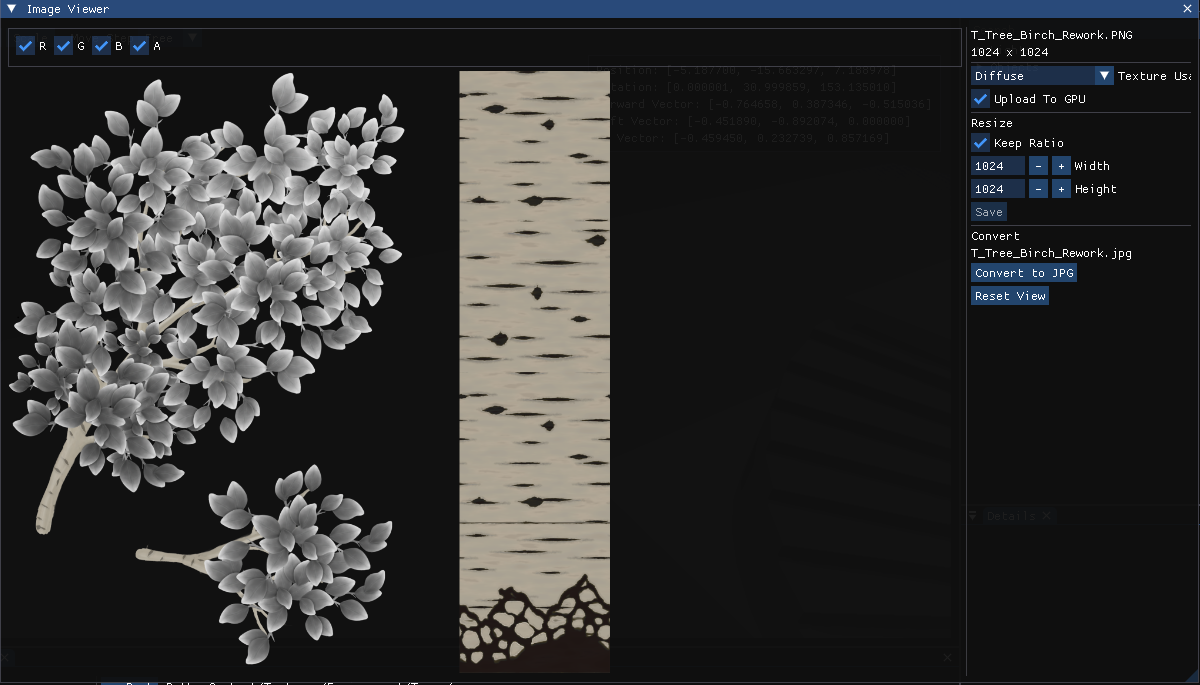
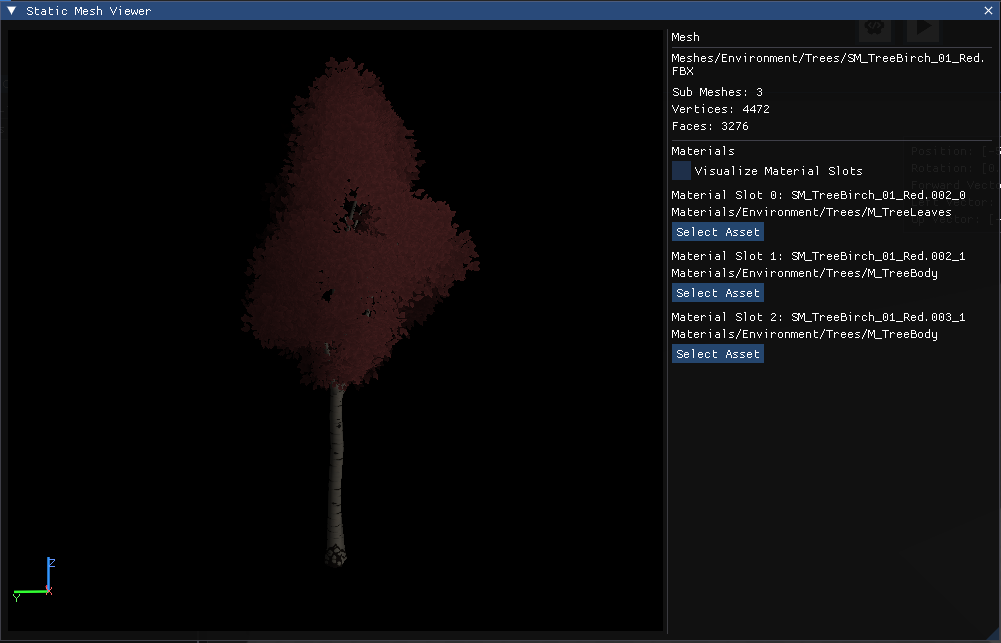
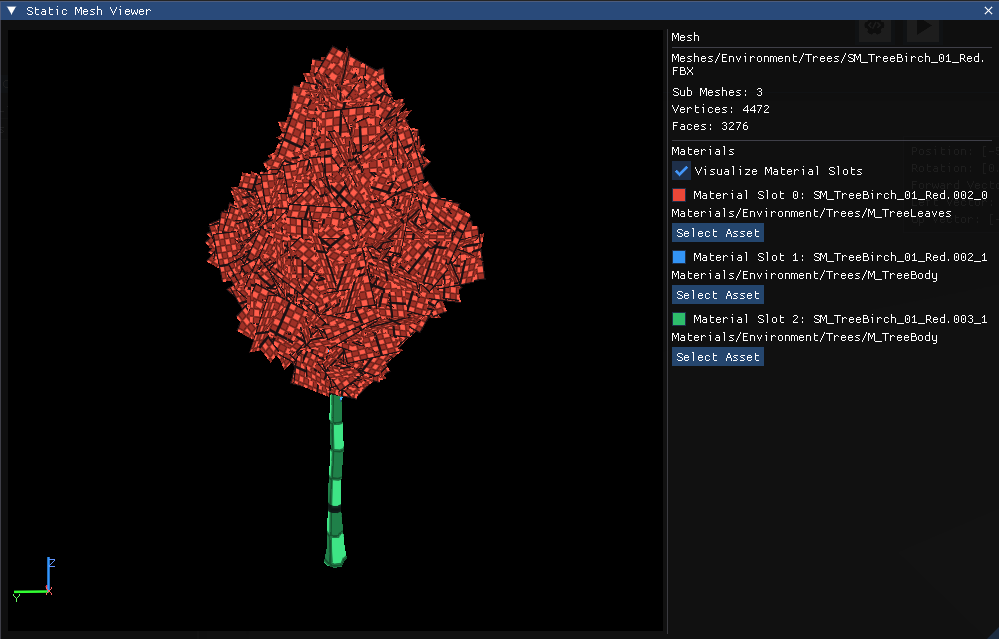
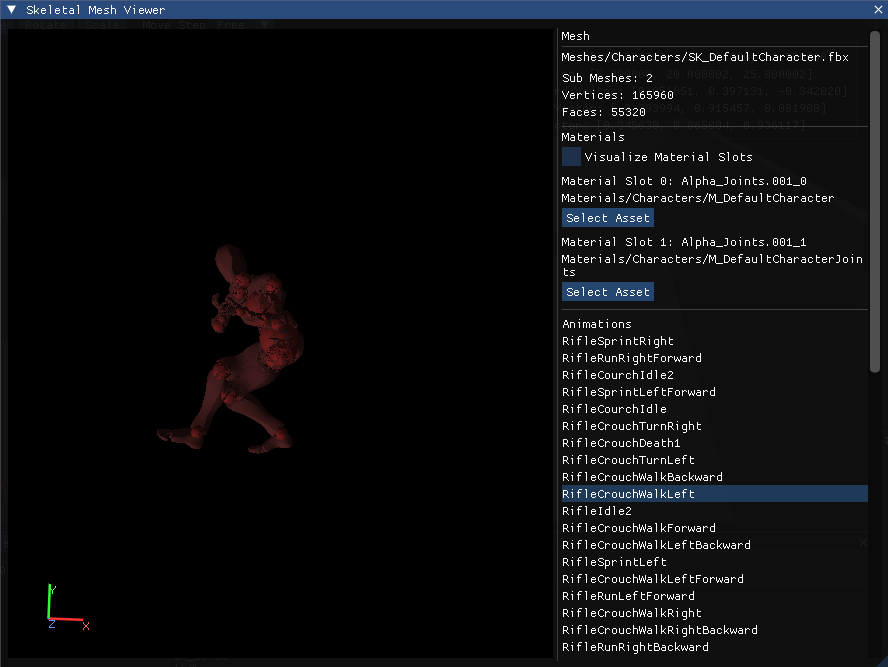
So; I have improved it in the last few weeks in order to get game scene creation way easier. I have implemented skeletal and static mesh viewers, image viewer, animation graph, and shader designer panels.
I have implemented new project based working system for the editor so that you can no longer have to move your project’s assets and code to editor project and trying to work on them painfully. Now a project can be opened by open project section and its project path is set automatically.
Level Design Tools
I think this part is better shown with a video, so I have recorded a video. I hope you enjoy it!
Foliage Editor
I implemented a foliage editor to streamline environmental scene design. Behind the scenes, it generates GPU-instanced foliage(Using SSBO and indirect draw commands) for any selected mesh, randomly distributing instances across the painted area.
Shader Editor for Materials and Material Functions
I have implemented a shader editor panel that contains a node for every GLSL operation as well as general use nodes. It also allows users to have parameters and set material properties.
Animation Graph:
In the engine side, I have developed a new animation graph system for animation transition with custom rules and a serializer/deserializer. In the editor side, I have developed a graph system using this system for creating animation graphs visually.
Animation graph editor is for creating animation graphs for skeletal meshes. The data here can be saved and assigned to a skeletal mesh like this:

The animation graph eases the animation transmission and blending easier with visual helps.
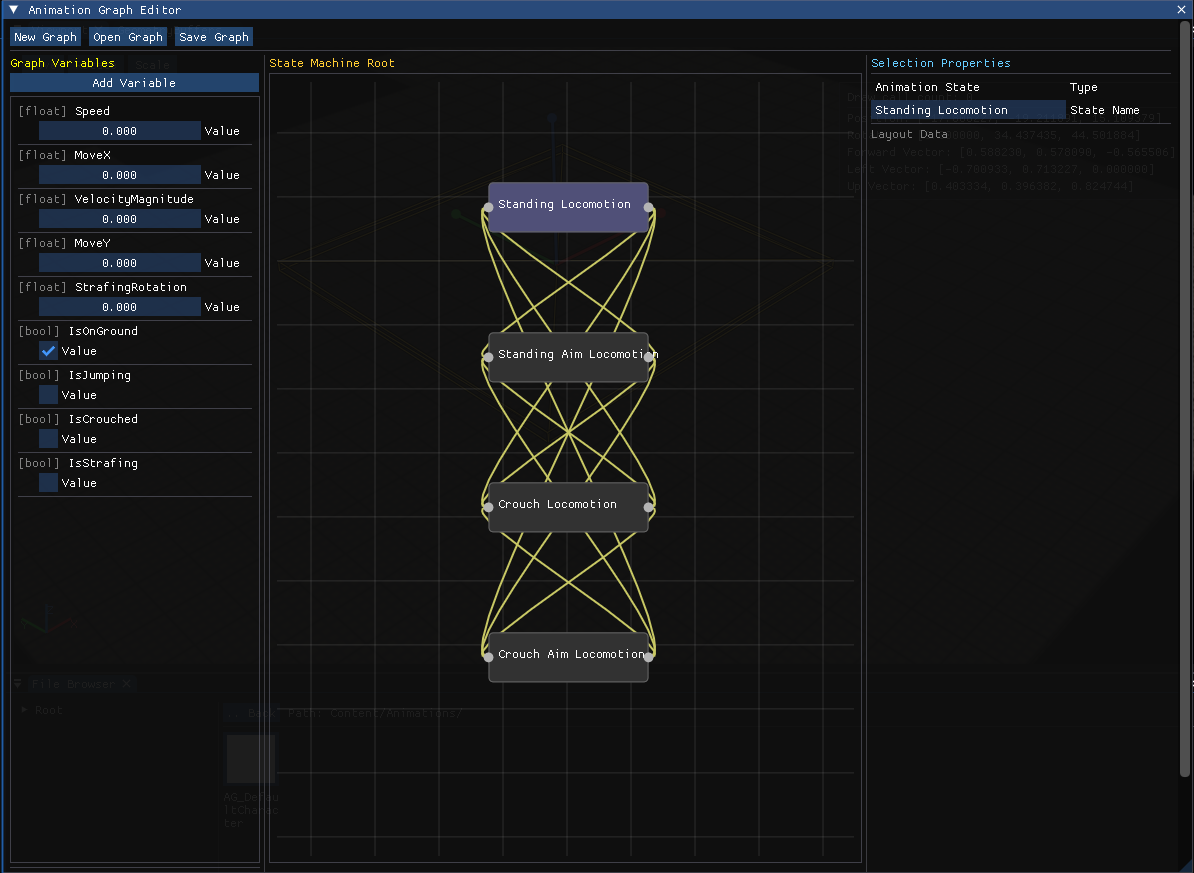
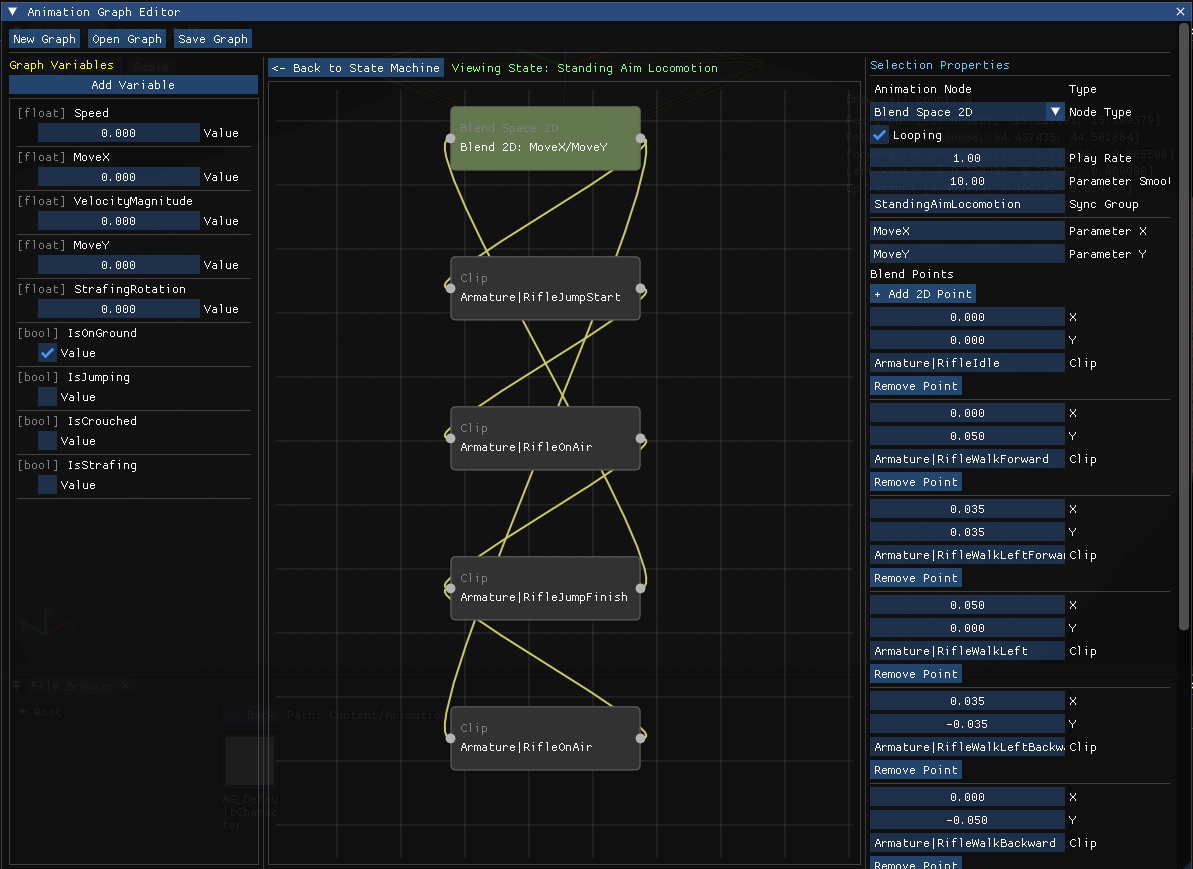
With all connections, and data it may seem a bit confusing, but it is much easier to develop animation systems.
Particle System
Image Viewer
Static Mesh Viewer
Skeletal Mesh Viewer
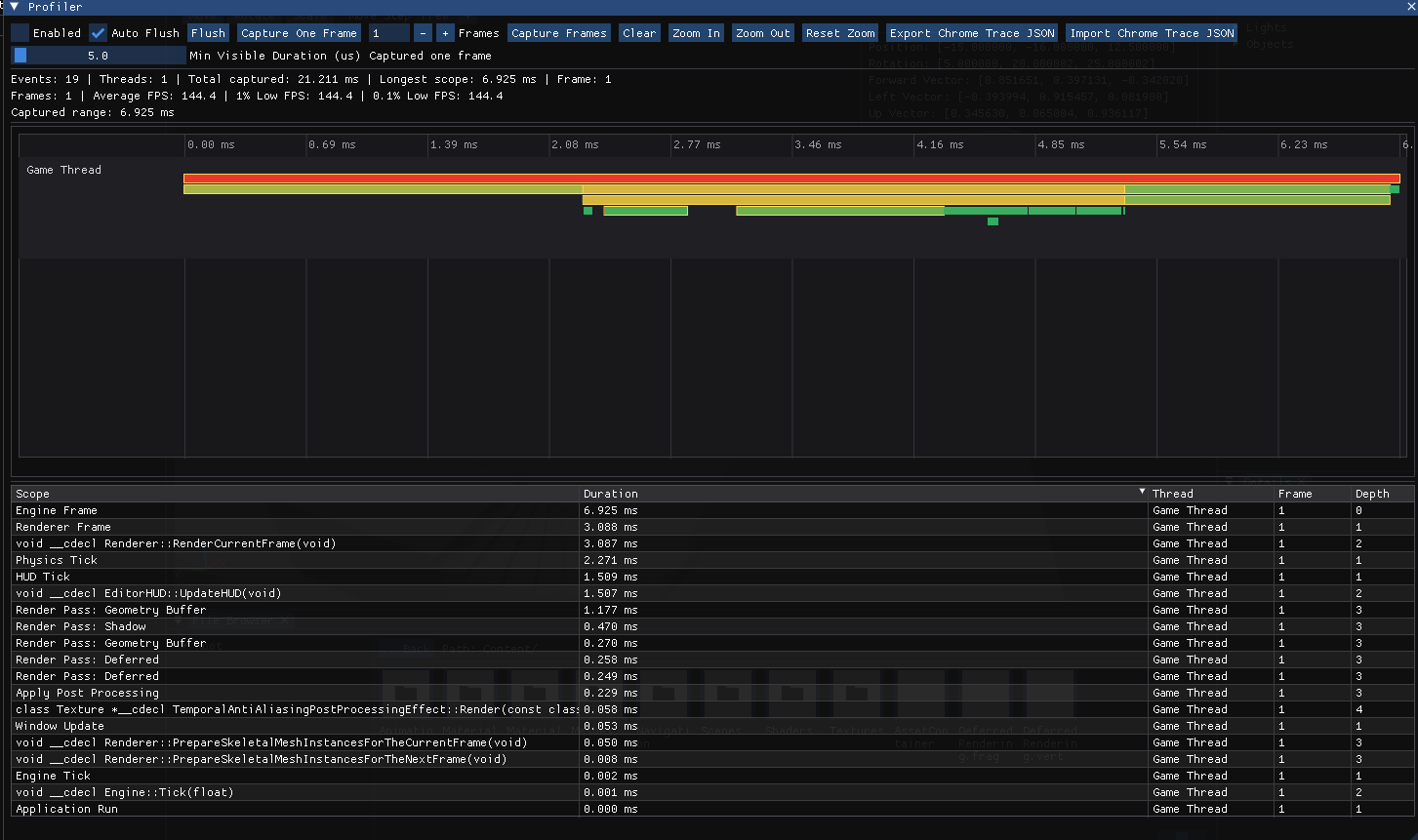
Profiler